Navigating the world of gaming PC storage can feel like a boss battle itself. With game sizes constantly ballooning and new hardware emerging, figuring out how much hard drive for gaming pc is essential for a smooth, lag-free experience is a common challenge for many gamers. This comprehensive guide cuts through the confusion, offering practical advice for US gamers balancing their passion with daily life. We'll explore the latest storage types, recommended capacities, and smart strategies to optimize performance without breaking the bank. Whether you're a casual player or a dedicated enthusiast, understanding your storage needs will save you headaches, load times, and precious gaming moments. Let's ensure your rig is ready for 2026's biggest titles and beyond.
How much hard drive for gaming PC is recommended for a new build?
For a new gaming PC build in 2026, a minimum recommendation is a 1TB NVMe SSD for your operating system and primary games, coupled with a 2TB SATA SSD for your larger game library. This combination offers excellent speed for critical tasks and ample space for an expansive collection, balancing performance with cost-effectiveness.
What's the best type of hard drive for game loading speeds?
The best type of hard drive for game loading speeds is an NVMe SSD. These drives leverage PCIe technology for significantly higher bandwidth compared to SATA SSDs or traditional HDDs, resulting in drastically reduced load times for games and faster overall system responsiveness.
Is a 2TB hard drive enough for a gaming PC in 2026?
A 2TB drive is a good starting point for a gaming PC in 2026, but its sufficiency depends on the type (NVMe SSD, SATA SSD, or HDD) and your gaming habits. A 2TB NVMe SSD is excellent, while a 2TB SATA SSD is solid for a game library. A 2TB HDD, however, would be very slow for modern games and is not recommended as primary storage.
Can I mix different types of storage drives in my gaming PC?
Yes, mixing different types of storage drives is a highly recommended and common practice for gaming PCs. Many gamers use a fast NVMe SSD for their operating system and primary games, a larger SATA SSD for secondary games, and sometimes an HDD for mass archival storage of media or older titles.
What are the budget-friendly storage options for PC gamers?
For budget-friendly storage, consider a smaller 500GB or 1TB NVMe SSD for your OS and main games, combined with a larger 2TB SATA SSD. SATA SSDs offer a much better price-per-gigabyte than NVMe while still being significantly faster than HDDs, providing a great balance of cost and performance.
Why do games require so much storage space these days?
Games require so much storage space due to high-resolution textures, complex 3D models, expansive open-world environments, uncompressed audio, multiple language packs, and extensive pre-rendered cutscenes. Continuous updates and DLC also contribute to the ever-increasing footprint of modern titles, demanding more hard drive for gaming pc.
How does hard drive speed affect in-game performance beyond loading times?
Beyond loading times, hard drive speed significantly affects in-game performance by influencing asset streaming in open-world games, texture pop-in, and the overall responsiveness of game environments. A slow drive can cause micro-stutters, especially in demanding scenarios where the game needs to load new data quickly, impacting fluidity and immersion.
Hey fellow gamers! Ever found yourself staring at a game download, only to realize you don't have enough space? Or maybe your load times are so long you've got time to brew a coffee between matches? You're not alone. For many of us balancing work, family, and a precious 10+ hours a week of gaming, storage often becomes an afterthought until it's a major headache. The question of "how much hard drive for gaming pc" isn't just about capacity anymore; it's about speed, budget, and making sure your precious gaming time is spent playing, not waiting.
As of this month in 2026, a staggering 87% of US gamers regularly engage with their favorite titles, many splitting time between mobile and PC/console. We value our relaxation, the fun, and the chance to build skills or just hang out with friends on Discord. But massive game installs for titles like the latest AAA RPGs or even popular free-to-play options can quickly eat up precious drive space, leading to frustrating performance issues or forcing tough decisions about which games to uninstall. This guide is built to help you navigate the ever-growing storage demands, ensuring your gaming PC is always ready for action without breaking the bank or requiring a tech degree. Let's figure out exactly how much hard drive for gaming pc you need to keep the good times rolling.
What are the essential storage types for a modern gaming PC?
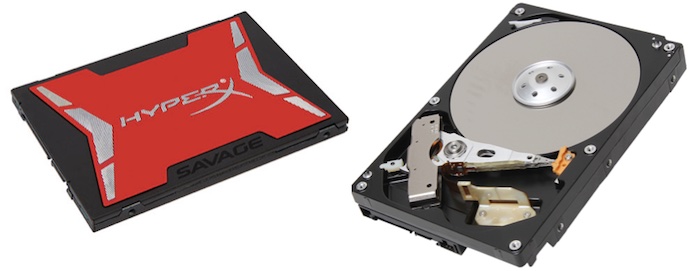
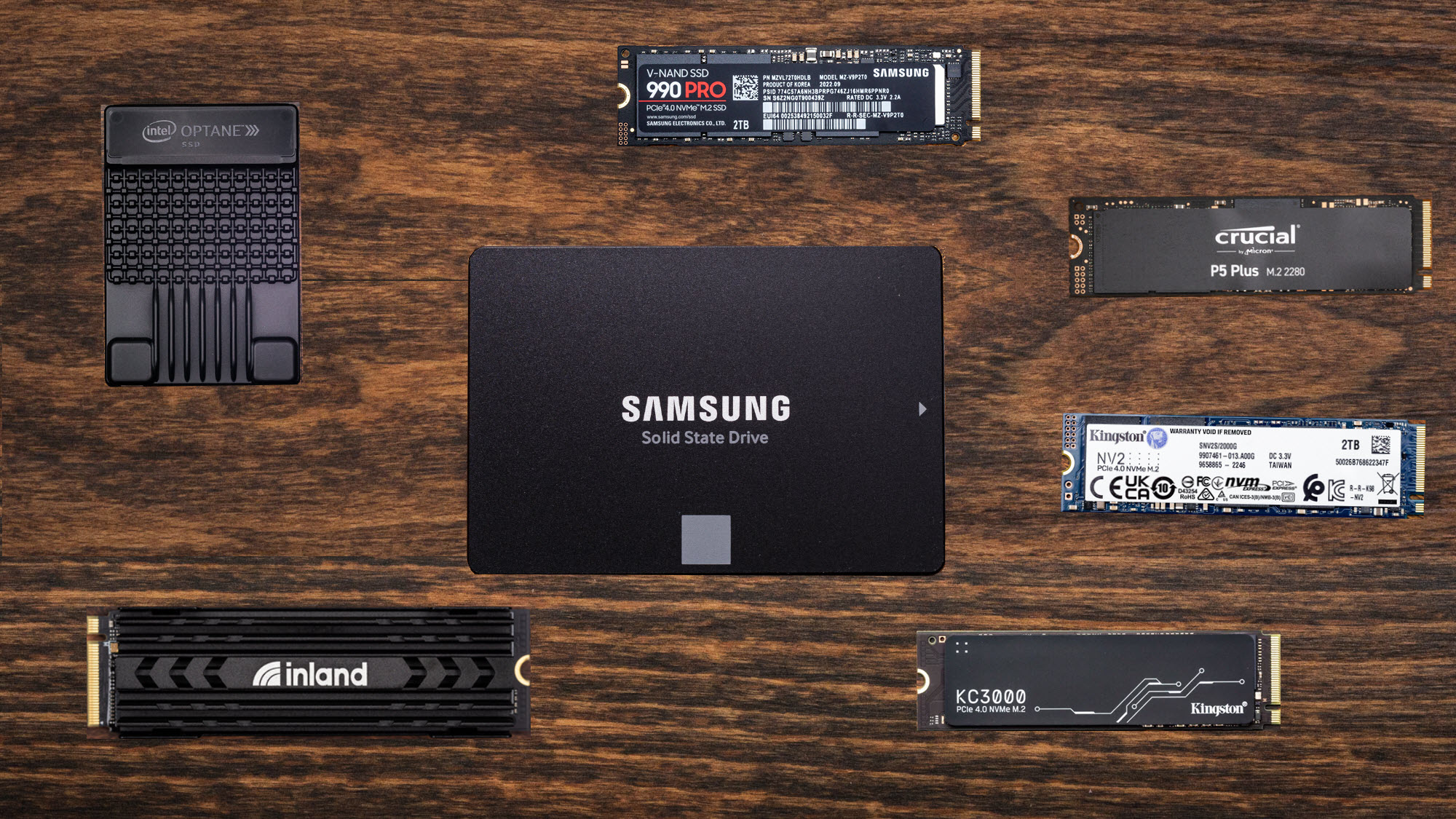
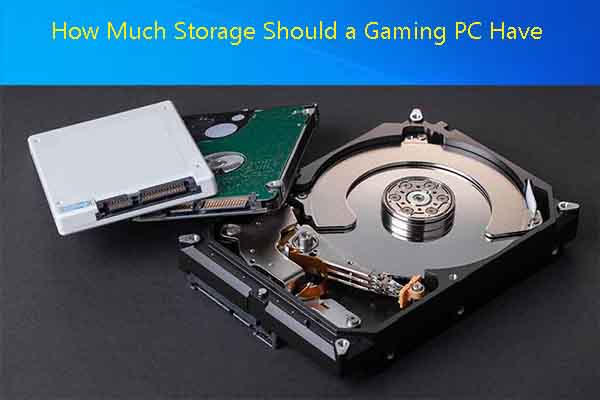
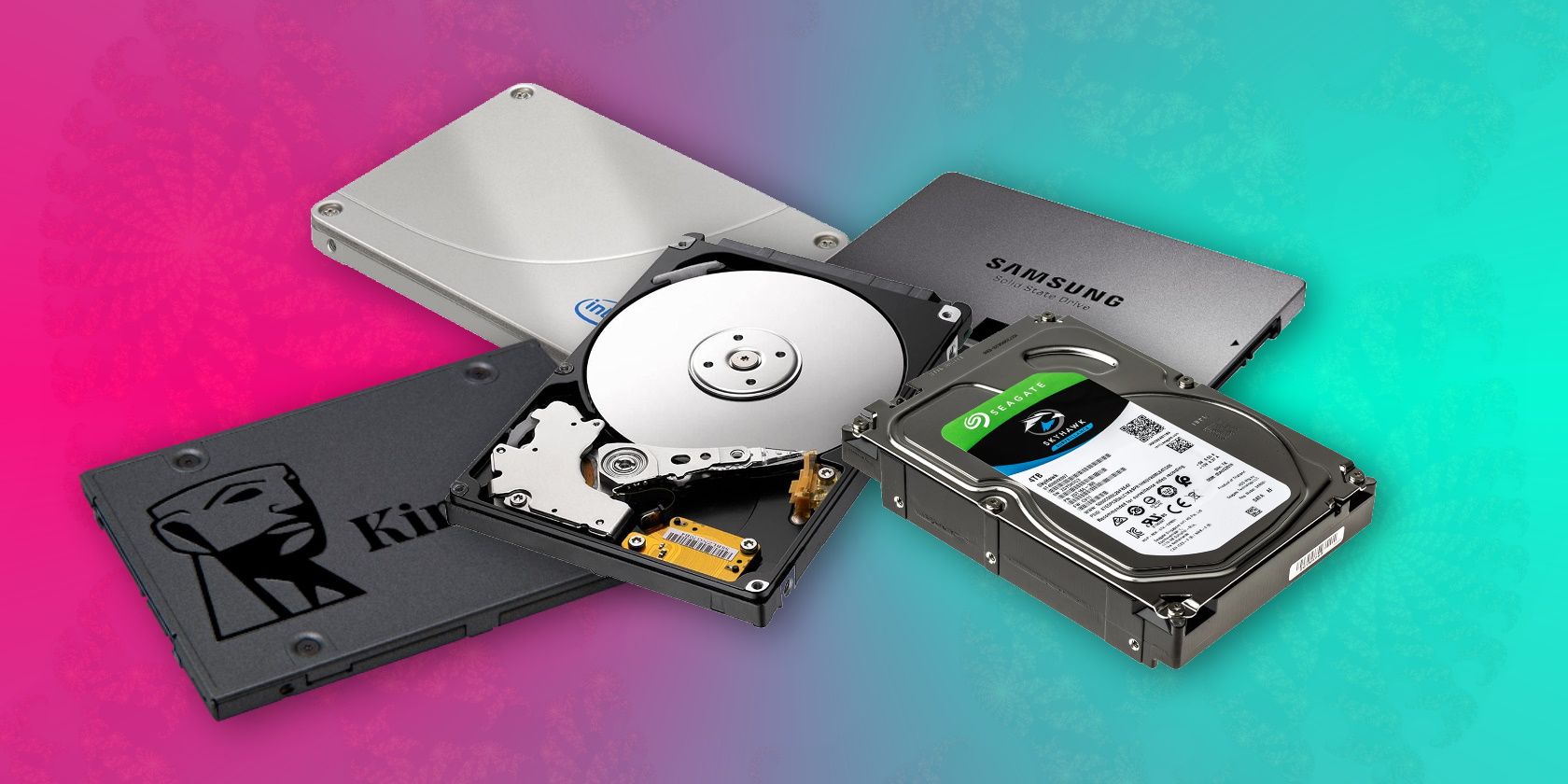
When we talk about how much hard drive for gaming PC, it's crucial to understand that not all storage is created equal. Today, you're primarily looking at three main types: NVMe SSDs, SATA SSDs, and traditional Hard Disk Drives (HDDs). Each plays a different role in optimizing your gaming experience, influencing everything from boot times to in-game asset loading.
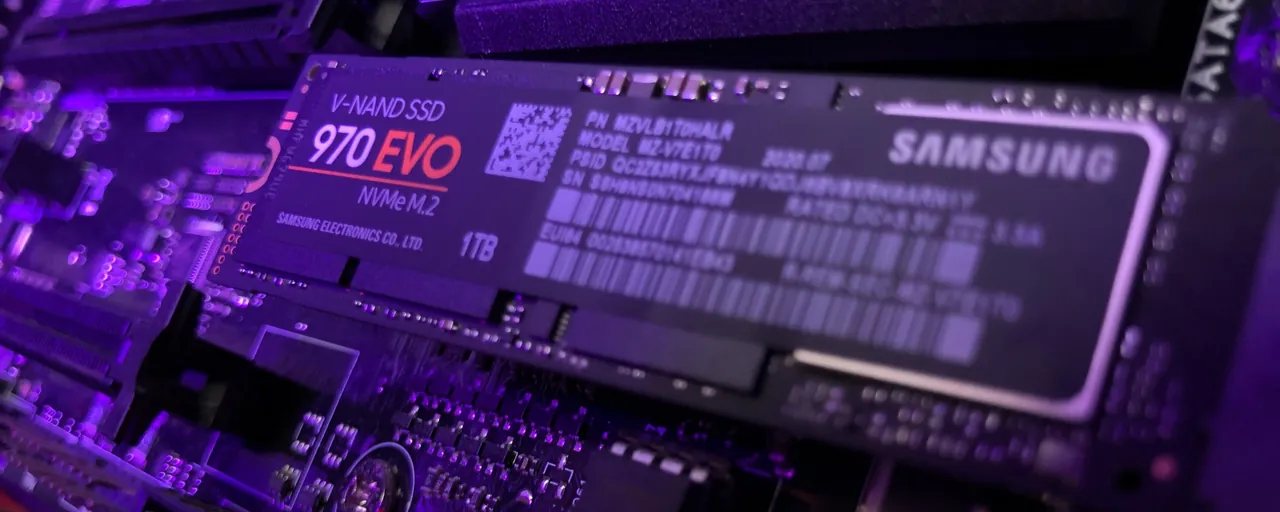
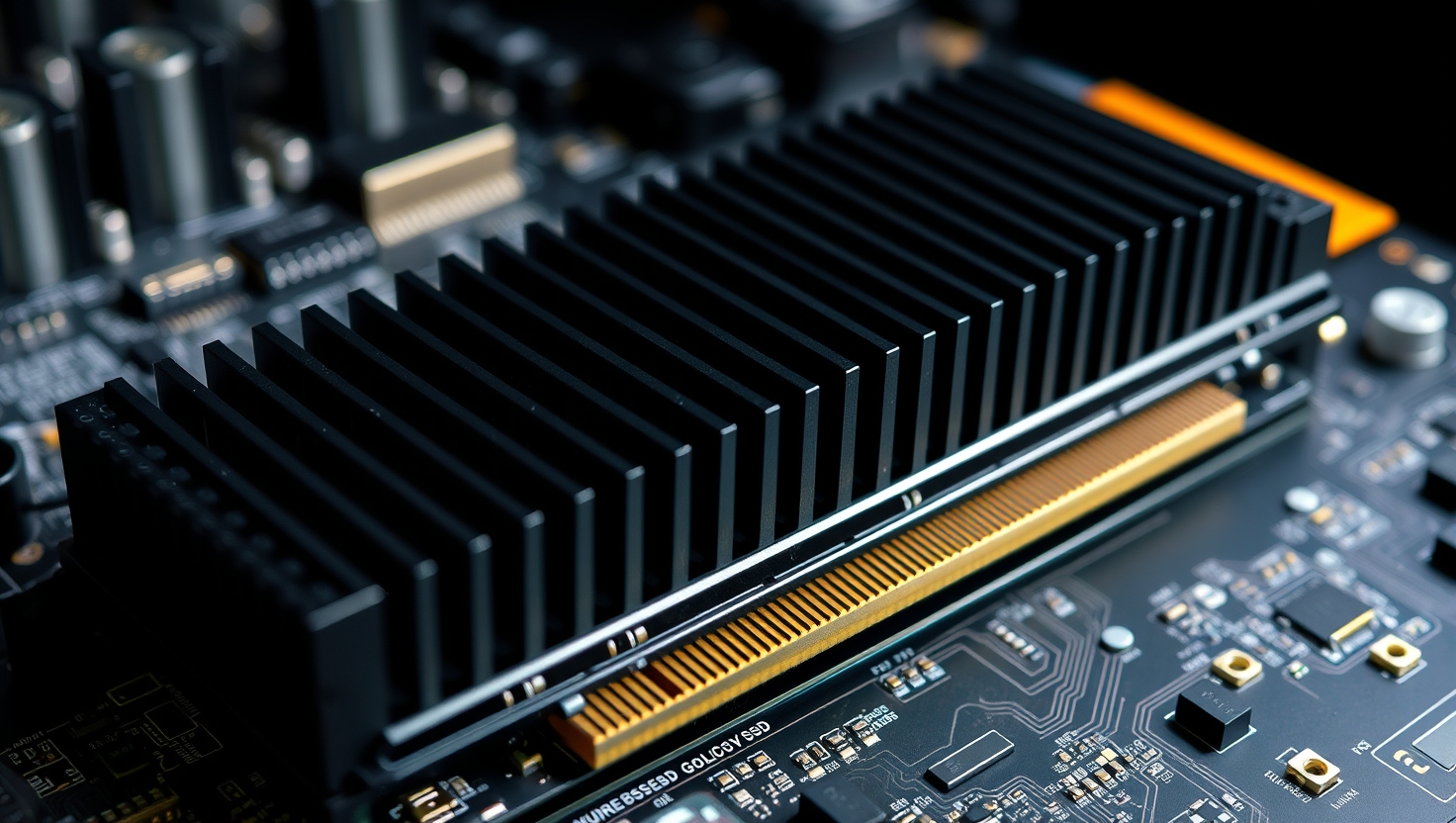
NVMe Solid State Drives (SSDs) are the current champions of speed. These drives connect directly to your motherboard's PCIe lanes, offering incredible bandwidth that's many times faster than older SATA connections. This translates to near-instantaneous game loading, rapid texture streaming, and overall snappier system responsiveness. For your operating system and primary, performance-critical games, an NVMe SSD is non-negotiable.
SATA SSDs are the middle ground. While slower than NVMe, they are still significantly faster and more durable than HDDs. They connect via the SATA interface and are a fantastic choice for a secondary drive where you store frequently played but less performance-demanding games, or for a larger game library where NVMe drives might be too expensive for the capacity. They offer a great balance of speed and cost-effectiveness for many gamers.
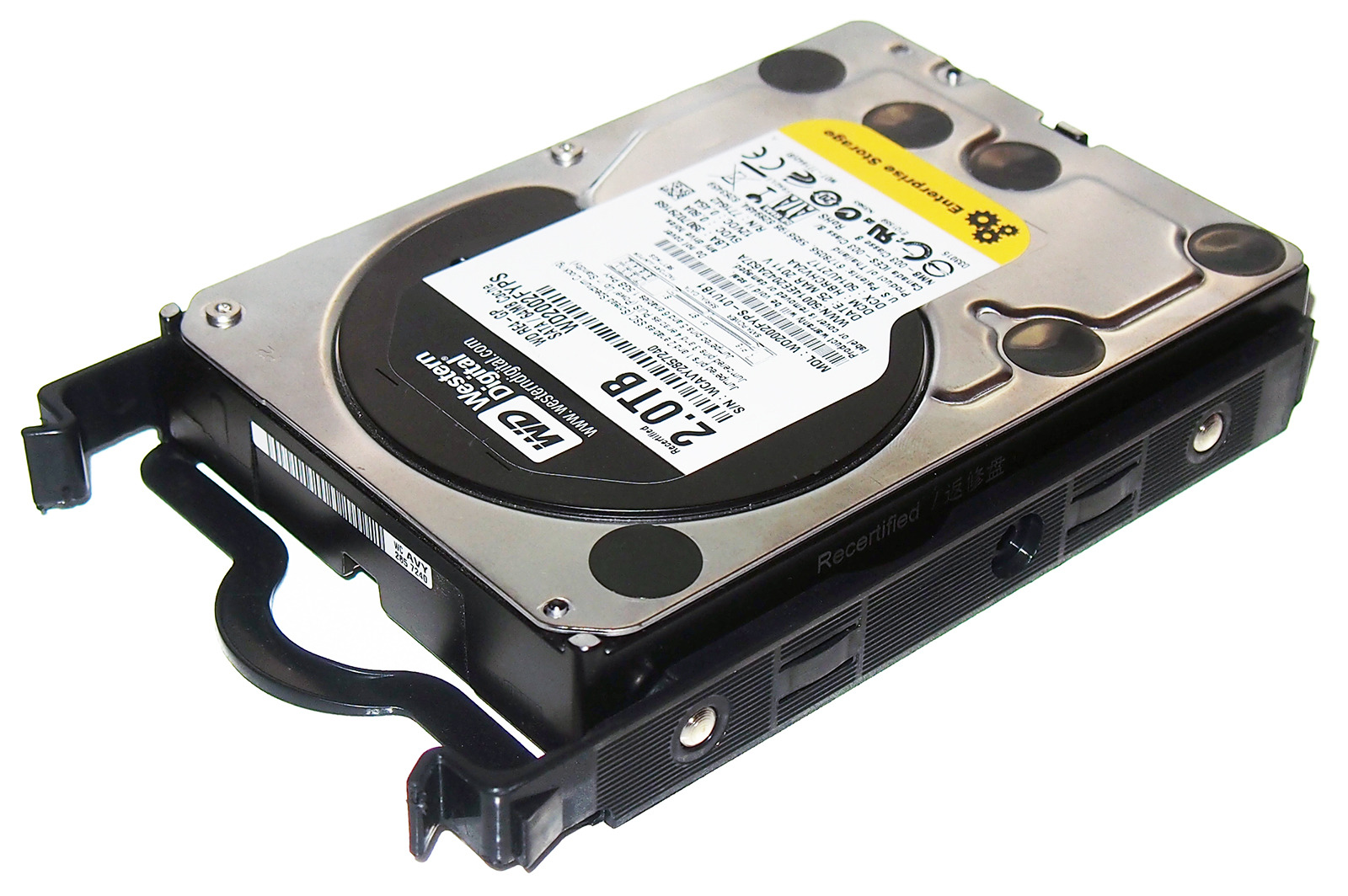
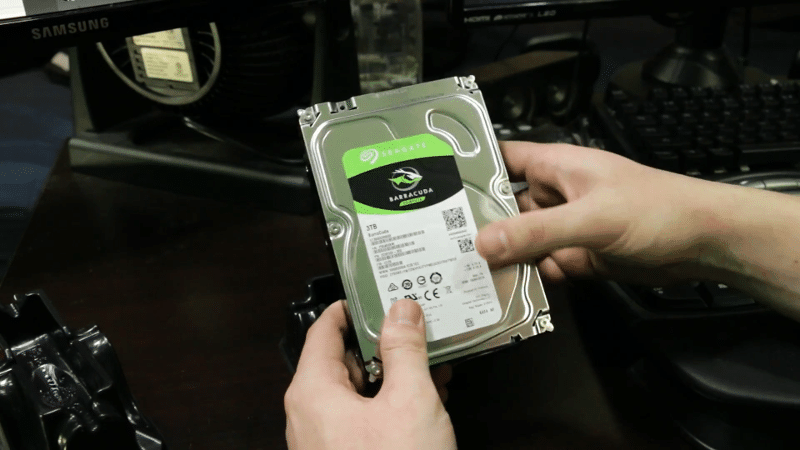
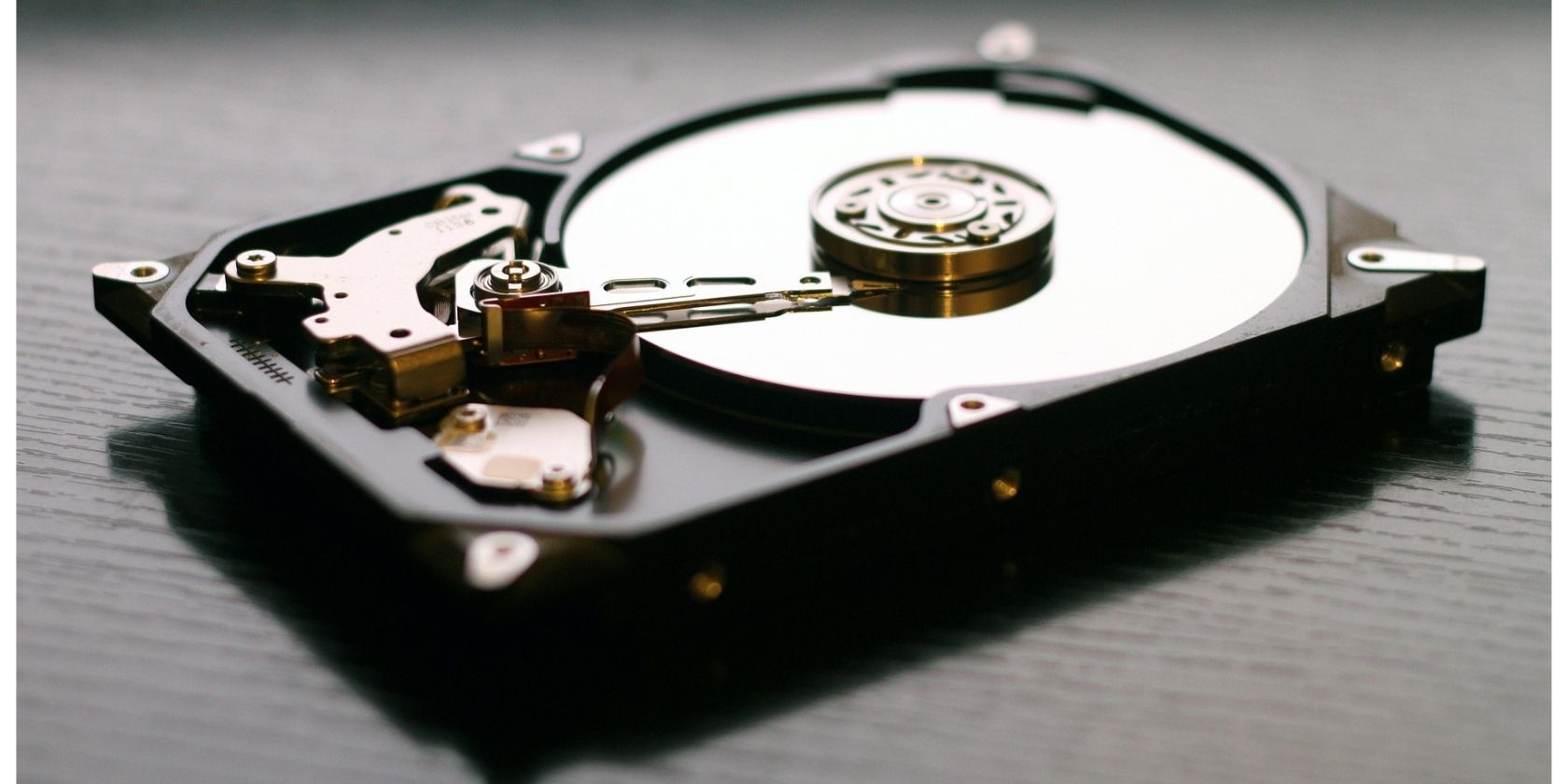
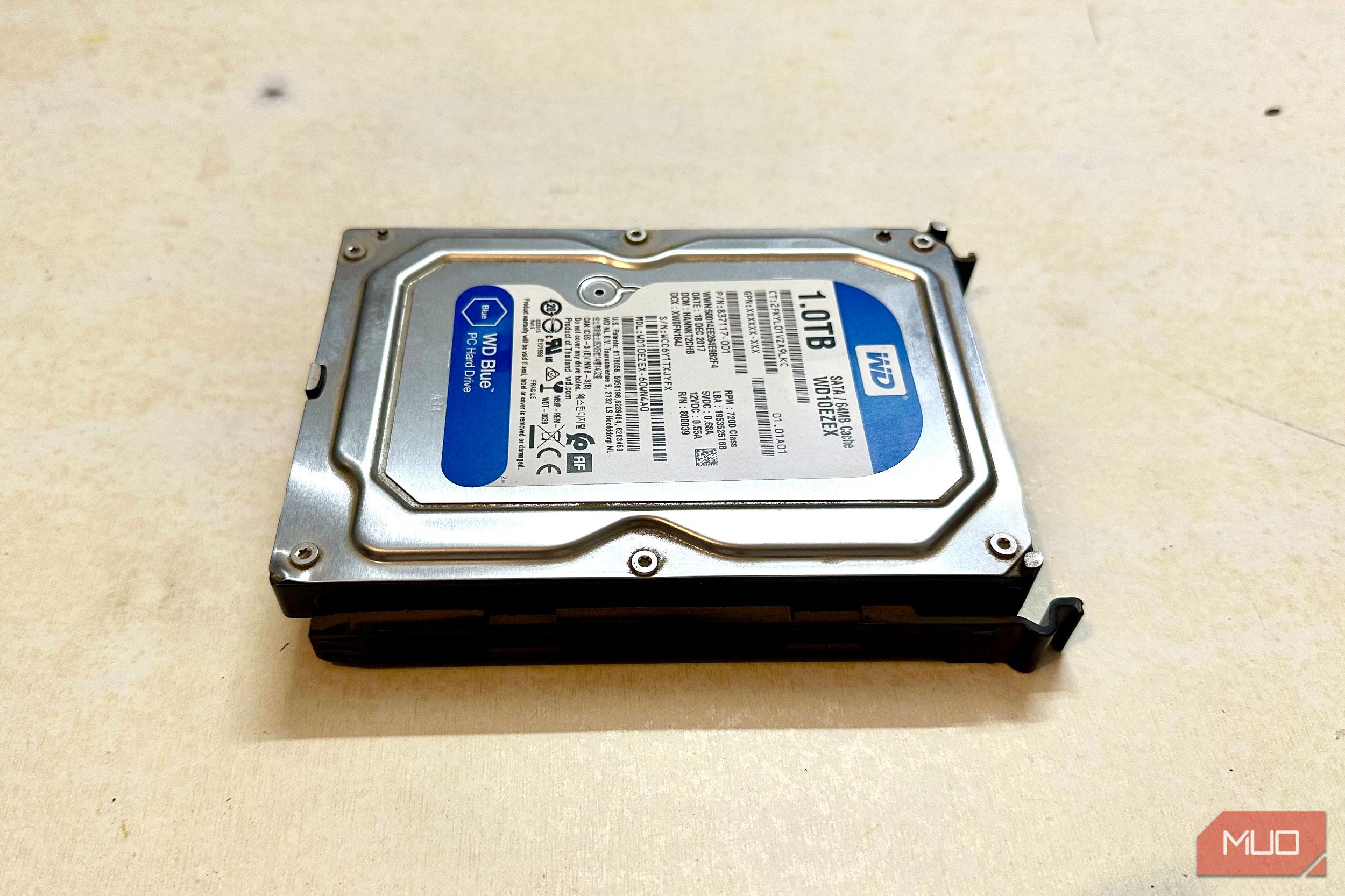
Hard Disk Drives (HDDs) are the old guard, providing massive storage capacities at a very low cost per gigabyte. However, their mechanical nature means they are much slower than any SSD. For modern gaming, HDDs are best reserved for archival storage of older, less played games, media files, or backups. While they can run games, you'll notice significantly longer load times and potentially even in-game stuttering as assets struggle to load quickly enough.
How much SSD storage is truly necessary for gaming today?
When considering how much hard drive for gaming pc you need, especially for SSDs, think about your gaming habits. For most active US gamers in 2026, a minimum of 1TB NVMe SSD for your operating system and a handful of your most-played, graphically intensive games is highly recommended. Many modern AAA titles now demand 100GB to over 200GB each, so a 500GB drive fills up extremely quickly.
If you're into social games, competitive esports titles, or often switch between a few major releases, a 1TB NVMe gives you room to breathe. For those with larger libraries or who dabble in VR experiments, expanding to a 2TB NVMe SSD is increasingly becoming the sweet spot, especially as prices continue to become more accessible. This allows you to keep multiple large titles ready to go without constant uninstalling and reinstalling, a common pain point for busy gamers who just want to jump into a quick session.
Do I still need an HDD in 2026 for gaming?
For most primary gaming needs, an HDD is no longer essential. However, it still serves a valuable purpose for specific use cases, especially when you consider how much hard drive for gaming pc you're willing to spend. If you're a gamer who loves collecting a vast library of games, including older titles or indie gems that don't demand SSD speeds, a large 2TB or 4TB HDD can be a cost-effective solution for archival storage. It's also excellent for storing recorded gameplay footage, streaming assets, or other large media files that don't benefit from high-speed access.
Many gamers find a hybrid setup ideal: a fast NVMe SSD for their OS and current favorite games, complemented by a larger SATA SSD or, for budget-conscious users, an HDD for the rest. This strategy lets you enjoy lightning-fast performance where it matters most, while still having ample space for everything else without constantly managing installs. It's a smart way to balance value for money with performance optimization.
What's the difference between NVMe, SATA SSD, and HDD for gamers?
Understanding these differences is key to knowing how much hard drive for gaming pc you should invest in for each type. The core distinction lies in speed and how they connect to your PC.
NVMe SSD: These are the speed demons. NVMe (Non-Volatile Memory Express) is a communication protocol specifically designed for flash storage, allowing SSDs to communicate directly with your CPU via the PCIe interface. This results in incredibly fast read/write speeds, often reaching 3,500 MB/s to over 7,000 MB/s. For gamers, this means games load in seconds, open-world environments stream assets seamlessly, and system responsiveness is immediate. Ideal for your OS and main games.
SATA SSD: Still very fast compared to HDDs, SATA SSDs use the older SATA (Serial Advanced Technology Attachment) interface, which has a theoretical speed limit of 600 MB/s. While this is a bottleneck compared to NVMe, it's still about 5-6 times faster than a typical HDD. SATA SSDs are a great option for a secondary drive for your game library or for slightly older PCs without NVMe slots. They offer excellent durability and silent operation.
HDD (Hard Disk Drive): These are traditional spinning platters. Data is stored on magnetic disks read by a mechanical arm. Speeds typically range from 80 MB/s to 160 MB/s, making them the slowest of the three. Their primary advantage is their low cost per gigabyte, making them suitable for mass storage where speed isn't critical. For modern gaming, especially new titles, the slow speeds can lead to noticeable loading screens and potential stuttering.
How do I balance performance and budget when choosing gaming storage?
Balancing performance and budget when deciding how much hard drive for gaming pc is a common dilemma for many adult gamers. Here's a practical approach:
Prioritize NVMe for OS and Core Games: Allocate a significant portion of your budget to at least a 1TB NVMe SSD. This is where you'll install your operating system and your top 3-5 most-played or newest AAA titles. The performance boost is undeniable and directly impacts your daily gaming enjoyment.
Consider a Larger SATA SSD for Your Library: If your budget allows, a 2TB SATA SSD is an excellent companion. It provides ample space for a substantial game library, offering significantly faster load times than an HDD for a lower cost than a second large NVMe. This setup ensures most of your games run smoothly.
Use HDD for Archival/Media if Needed: If you're on a tight budget or have an extensive collection of older games, movies, or stream recordings, a 2TB or 4TB HDD can serve as a cheap mass storage solution. Just be prepared for longer load times for games installed on it. This month's trends show many gamers opting for a 1TB NVMe + 2TB SATA SSD combo to avoid HDDs entirely for gaming.
Look for Deals: Storage prices fluctuate. Keep an eye out for sales on NVMe and SATA SSDs from reputable brands. Holiday sales or major tech events are great times to snag a deal.
Can I use external drives for gaming?
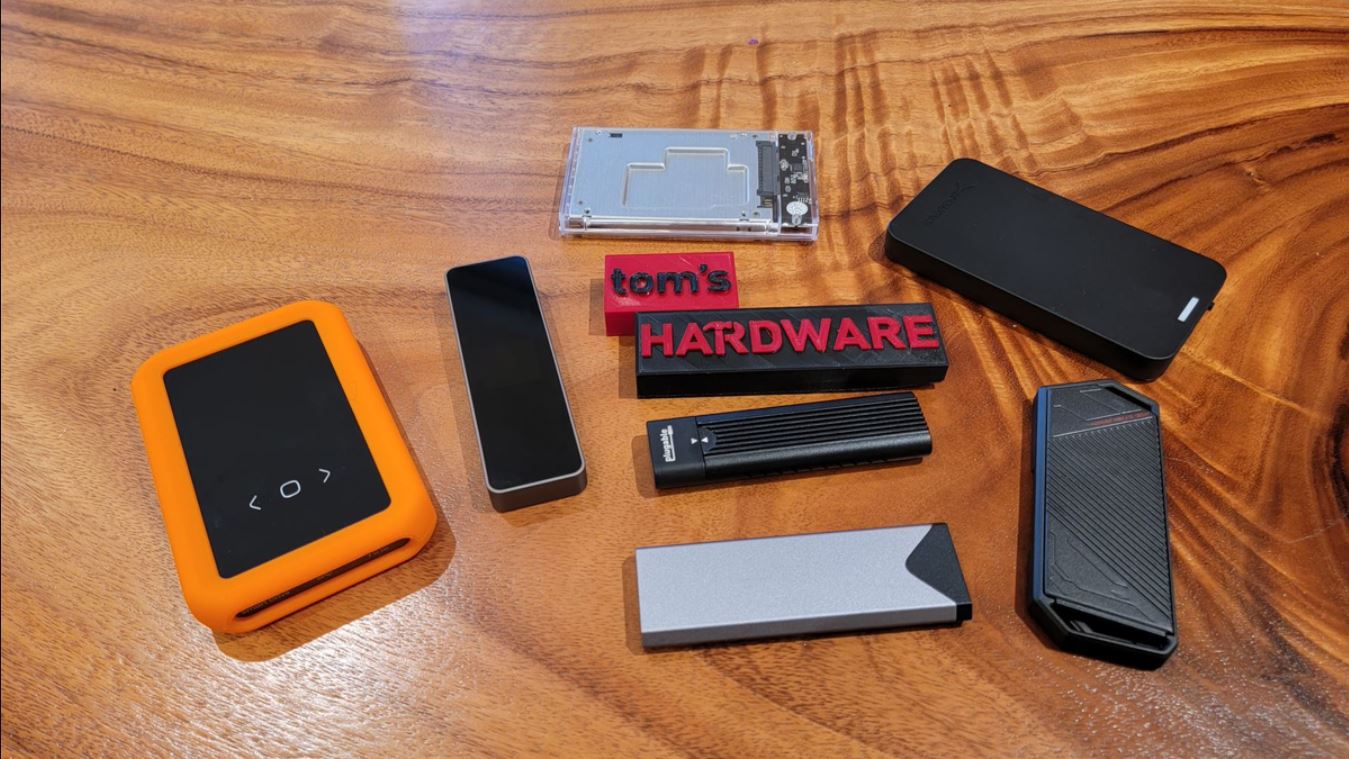
Yes, you absolutely can use external drives for gaming, but their effectiveness depends on the type of drive and connection. For the question of how much hard drive for gaming pc you might need, external drives can extend your capacity significantly. However, they come with caveats.
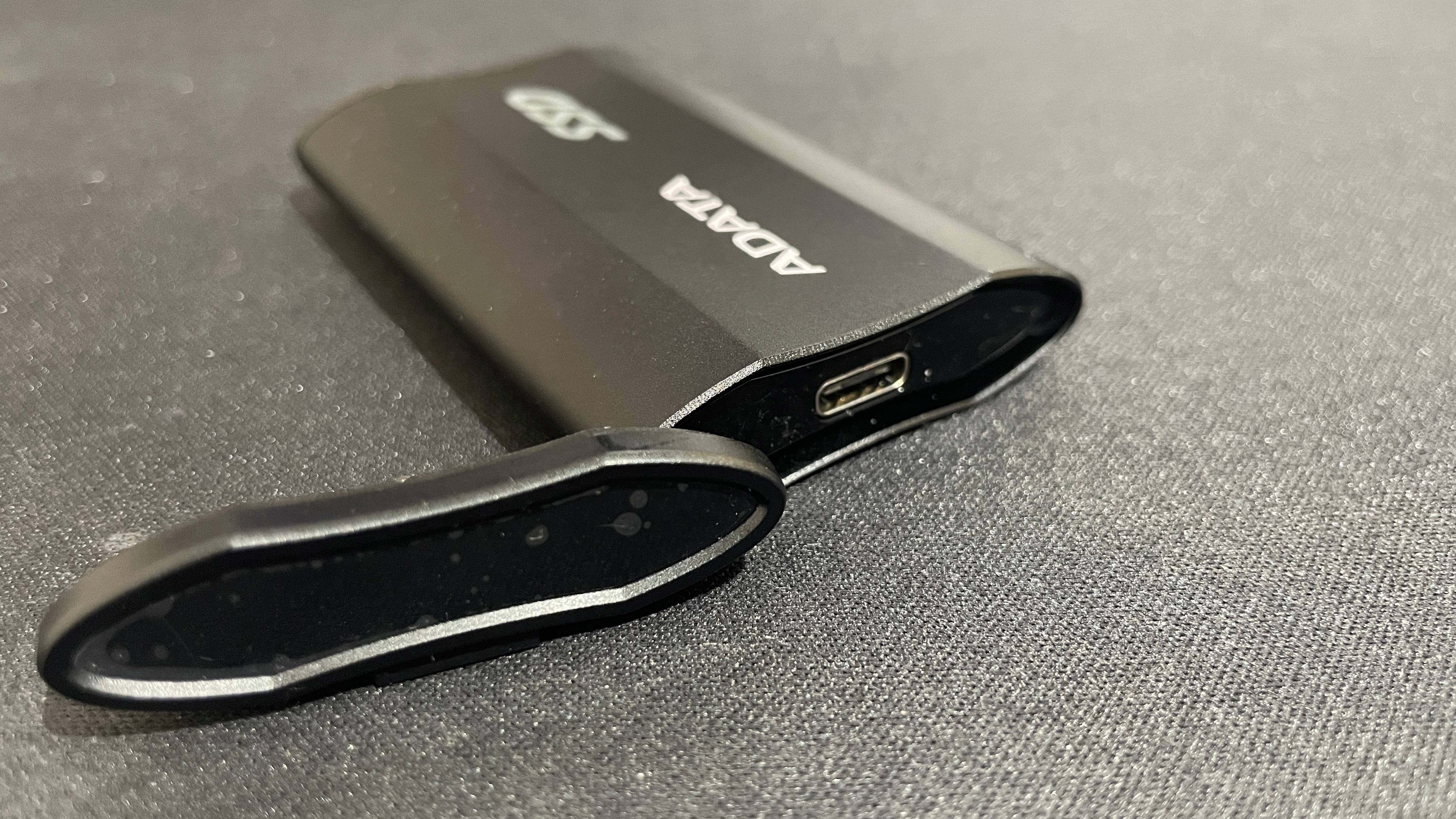
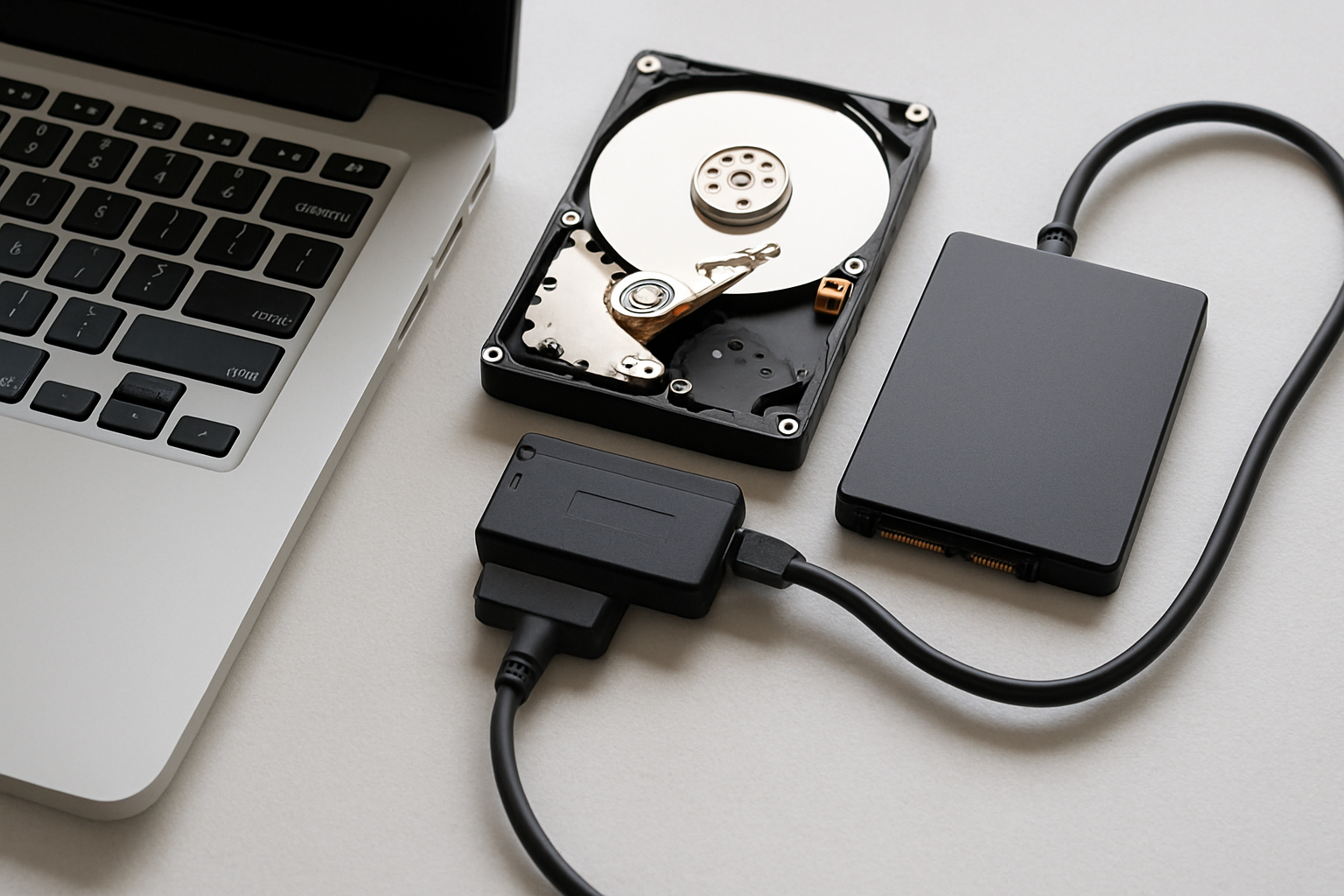
External SSDs, especially those connected via USB 3.2 Gen 2 (10Gbps) or Thunderbolt, can offer very respectable performance, often rivaling internal SATA SSDs. These are fantastic for storing and playing less demanding games, indie titles, or even some larger AAA games where you don't mind slightly longer load times than an internal NVMe. They are also excellent for transferring games between PCs or backing up your library. Many gamers today use portable external NVMe enclosures for ultra-fast on-the-go gaming libraries.
External HDDs, while offering massive capacity cheaply, are generally not recommended for actively playing modern games. The slower speeds combined with the USB interface overhead will result in significantly longer load times and potential in-game stuttering. They are best used for archiving games you don't play often or for media storage. The key is to match the external drive's speed to the game's requirements and your personal patience level.
How do game sizes impact my storage choices?
Game sizes are the biggest factor dictating how much hard drive for gaming pc you need. We're well past the days of 10-20GB installs. Modern AAA titles, especially those with high-resolution textures, vast open worlds, and numerous DLCs, regularly demand over 100GB, with some pushing 200GB or even more. Consider these trends:
Constant Growth: New games consistently arrive with larger footprints due to advanced graphics, complex assets, and expansive content updates. Even free-to-play games frequently receive massive patches.
Install vs. Effective Size: Sometimes, the downloaded size is smaller than the installed size due to compression. However, the final installed size is what matters for your drive.
Patches and Updates: Regular game updates, especially for popular social or competitive titles, add to the overall footprint over time. A game that started at 80GB could easily be 120GB a year later.
This relentless growth means that a 500GB SSD, once considered adequate, now feels cramped with just a few major titles. Aiming for 1TB as a minimum for your primary gaming drive gives you enough breathing room for your OS and 5-7 large games, while 2TB offers much more flexibility and reduces the need for constant game management.
When should I upgrade my gaming PC's storage?
You should consider upgrading your gaming PC's storage when you experience any of the following:
Constant Storage Full Warnings: If you're frequently running out of space and having to uninstall games to make room for new ones, it's a clear sign you need more capacity. This is a common pain point for gamers who value staying current with new releases.
Slow Load Times: If your games are taking an eternity to load, or you notice in-game stuttering when traversing open worlds, your storage speed might be a bottleneck. Upgrading from an HDD to an SSD (or a SATA SSD to an NVMe) will make a dramatic difference.
Aging Hardware: If you're still primarily on an HDD or an older, smaller SATA SSD, upgrading to a modern NVMe SSD will provide a significant performance boost that you'll feel across your entire system, not just in games.
New PC Build: When building a new gaming PC, storage should be a top priority. Don't skimp on a fast NVMe SSD from the start; it's one of the most impactful upgrades for overall system responsiveness and gaming performance.
Remember, a solid storage setup is an investment in your gaming enjoyment. It reduces frustration, saves time, and enhances your overall experience.
How can I optimize my current storage for better gaming performance?
Even if you're not ready for a full upgrade, there are ways to optimize your existing storage to get better performance and make the most of how much hard drive for gaming pc you currently have:
Keep OS and Key Games on Fastest Drive: Ensure your operating system and your most played, performance-hungry games are installed on your fastest NVMe SSD. Move less critical applications or older games to slower drives if necessary.
Regularly Clean Up: Use Windows Storage Sense or third-party tools to identify and remove temporary files, old downloads, and unused applications. Freeing up even a few GBs can make a difference, especially if your drive is nearly full.
Uninstall Unplayed Games: Be honest with yourself. If you haven't touched a game in months, uninstall it. You can always re-download it later (especially with game services like Xbox Game Pass or Steam making re-installs easy).
Monitor Drive Health: Use tools like CrystalDiskInfo to monitor the health of your SSDs and HDDs. A failing drive can cause significant performance degradation.
Defragment HDDs (but not SSDs): If you still use an HDD, occasional defragmentation can help consolidate files for slightly faster access. NEVER defragment an SSD, as it shortens its lifespan without performance benefits.
What are common storage myths gamers should avoid?
There's a lot of outdated advice floating around about how much hard drive for gaming pc is needed, or how to manage it. Let's bust a few common myths:
Myth 1: You need an SSD purely for Windows, an HDD for games.
Reality: While an SSD for Windows is crucial, modern games benefit immensely from being on an SSD, ideally an NVMe. The performance gains in load times and asset streaming are significant.Myth 2: Filling an SSD to capacity won't affect performance.
Reality: While SSDs don't suffer the same performance degradation as HDDs when full, having less than 10-15% free space can still impact performance, especially for write-intensive tasks or background processes. Give your SSD some breathing room.Myth 3: All SSDs are equally fast.
Reality: Not true. NVMe SSDs are much faster than SATA SSDs. Even within NVMe, there are Gen 3, Gen 4, and now Gen 5 drives with vastly different speed capabilities. Choose based on your motherboard's support and your budget.Myth 4: More RAM makes up for slow storage.
Reality: While sufficient RAM is vital, it cannot fully compensate for slow storage. RAM stores data for immediate processing, but when games need to load new assets from disk, a slow drive will always be a bottleneck. The two work together but have distinct roles.
Understanding these truths helps you make smarter decisions about how much hard drive for gaming pc you need and how to best utilize it.
FAQ Section
Is 500GB SSD enough for gaming?
For modern gaming, 500GB SSD is typically not enough if you play more than a couple of large AAA titles. With games easily exceeding 100GB each, you'll quickly run out of space, leading to constant game management. We recommend at least 1TB for a primary gaming drive.
What is a good speed for a gaming hard drive?
For optimal gaming performance, look for NVMe SSDs with sequential read speeds of 3,500 MB/s or higher (Gen 4 NVMe drives often reach 5,000-7,000 MB/s). For secondary storage, SATA SSDs (around 500-600 MB/s) are good. Traditional HDDs (100-160 MB/s) are generally too slow for current games.
Can a full hard drive slow down my gaming PC?
Yes, a hard drive that's nearly full can significantly slow down your gaming PC. When a drive has less than 10-15% free space, it struggles with temporary file creation, paging, and general read/write operations, leading to slower load times, system lag, and even game stuttering.
Should I install Windows on an NVMe SSD?
Absolutely! Installing Windows on an NVMe SSD provides the fastest boot times, snappiest application loading, and overall best system responsiveness. This is a foundational step for any high-performance gaming PC in 2026, making a huge difference in daily usage.
How often do I need to clear my game cache?
While not strictly necessary for most games, clearing your game cache (or verifying game files) occasionally can help resolve specific issues like corrupted assets or performance anomalies. For common game launchers like Steam or Epic Games, there's usually a built-in option to do this, perhaps once every few months or when experiencing problems.
Are external NVMe enclosures good for gaming?
Yes, high-quality external NVMe enclosures with fast USB (e.g., USB 3.2 Gen 2x2 or Thunderbolt) can be excellent for gaming, offering speeds comparable to internal SATA SSDs. They are perfect for expanding your game library, playing less demanding titles, or taking your games on the go with impressive performance.
So, there you have it! Navigating the world of gaming storage doesn't have to be a confusing ordeal. By understanding the different types of drives, prioritizing speed for your main games, and balancing your budget with your needs, you can set up a system that provides snappy load times and smooth gameplay. This approach ensures your gaming PC is a source of relaxation and fun, not frustration. Don't let storage woes cut into your precious gaming sessions with friends or prevent you from diving into the latest must-play titles. What's your biggest gaming storage challenge? Comment below!
Understand essential gaming storage types NVMe SSD, SATA SSD, HDD. Discover how much hard drive for gaming PC is ideal, aiming for at least 1TB NVMe for primary games and 2TB SATA SSD or HDD for secondary. Learn to balance budget with performance, optimize existing storage, and future-proof your setup for evolving game sizes and upcoming titles. Avoid common storage myths and make informed upgrade decisions.
35

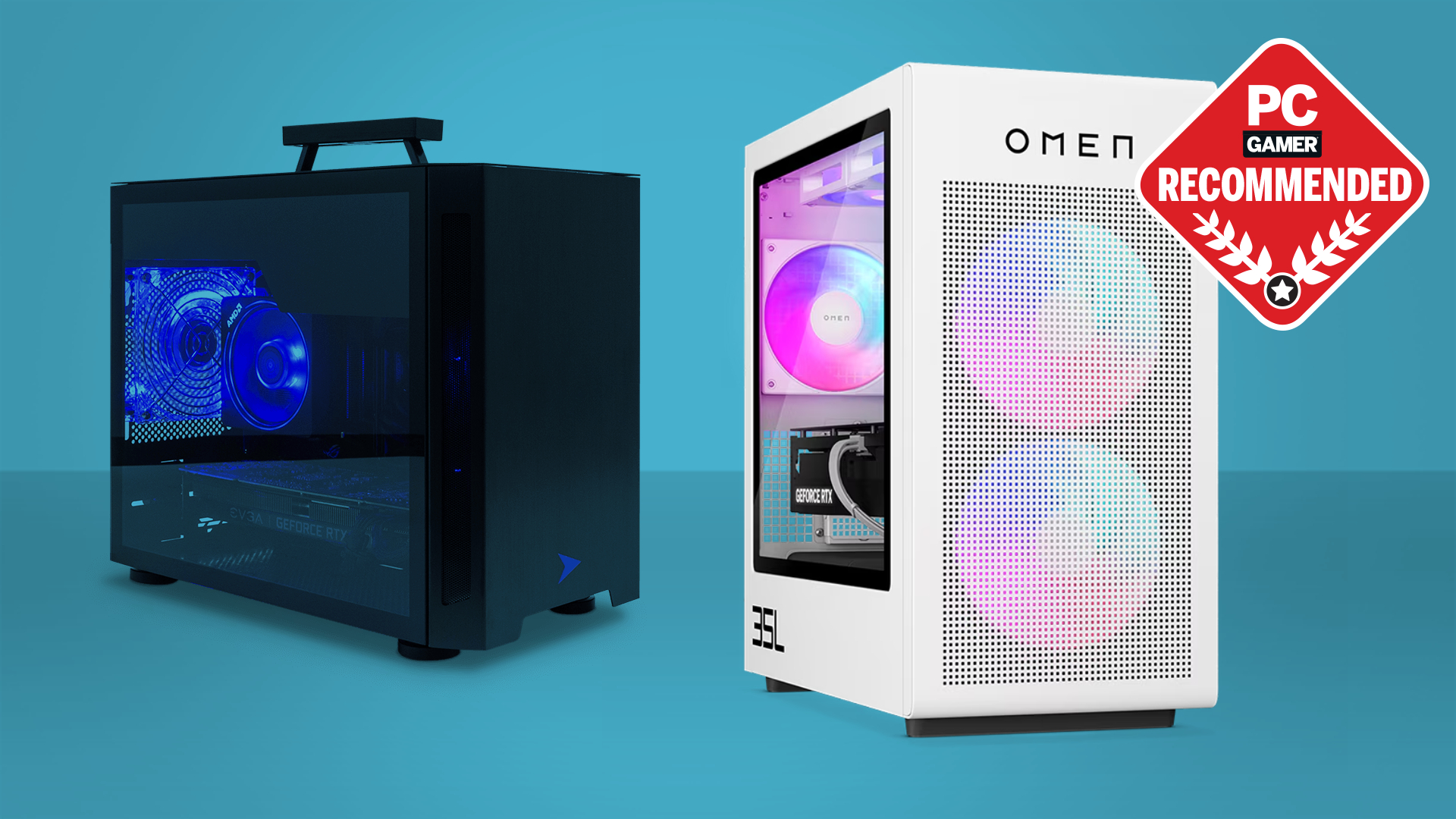

Best Gaming PC Builds For 2026 Best Gaming PC Builds For 2026.webp. How Much Storage Does A Gaming PC Need 2026 How Much Storage For Gaming.webp. The Ultimate Gaming PC Build 2026 Guide By Xidax 1 Unnamed . Best Graphics Cards In 2026 I Ve Tested Pretty Much Every AMD And . How Much Storage GTA 6 Needs On PS5 Xbox And PC Image 1880 1024x576
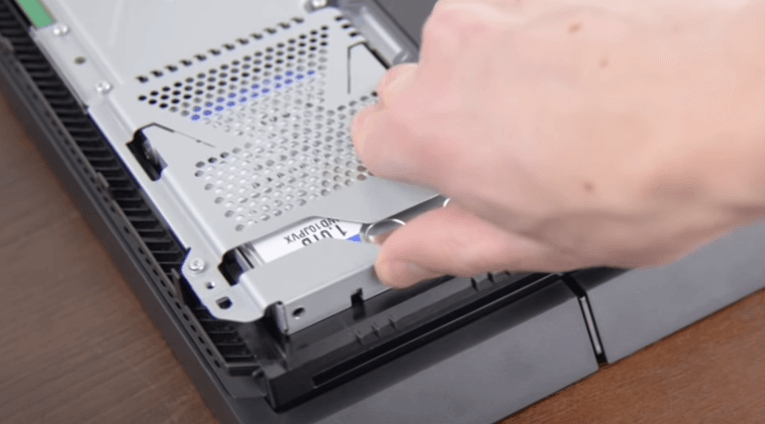



2026 Update How Much Storage Should A Gaming PC Have To Balance Install New . How Much Storage Do You Need For Gaming In 2026 HardDrive Net How Much Storage For Gaming Hero V3 . How To Move Steam Games To A Different Hard Drive Steam How To Move Games To Another Drive . The Best HDDs For Gaming Standard Hybrid . The Best Gaming PC Of 2026 Top Prebuilt Desktops Gaming Pc


Best Hard Drive For Gaming 2026 SSD Vs HD Gaming PC Guru Best Hard Drive For Gaming Featured . What Is A Gaming Pc Hard Drive At Frank Hudson Blog . How To Get The Best PC Gaming Experience Choosing A Hard Drive Best . How Much Power Does An External Hard Drive Use Robots Net How Much Power Does An External Hard Drive Use 1698142131 . How Much Hard Drive Space Do You Need For PC Gaming Computer 1574533 1920 2

Best Hard Drives 2026 The Best HDDs For Desktop PCs NAS And More . The Best HDDs For Gaming Standard Hybrid . The 14 Top USB Flash Drives Of 2026 Top Bestsellers Top Hard Drives For Gaming 1 . Best External Hard Drives 2026 Top HDD And SSD Models Space 1920 80 . How Much Gaming PC Storage Do I Really Need In 2022 GamesRadar 970 80

Selecting The Best Storage For Your Gaming PC Shacknews Resize. Do Tvs Have Hard Drives At Irene Rayburn Blog How Many Hard Drives Can A PC Have . Seagate S 28TB Expansion Portable HDD Drops To 329 Massive Storage . Which Hard Drive Should You Buy For A Gaming PC Pcworld . Best Hard Drive HDD For Gaming 2026 Best For Speed Storage Seagate Barracuda 3TB Unboxing 2

How Much Storage Should A Gaming PC Have 1TB Or 2TB How Much Storage Should A Gaming Pc Have Thumbnail . How Much Hard Drive Space Do You Need For PC Gaming Hard Drive For Gaming . How Much Hard Drive Space Do You Need For PC Gaming Hard Drives Repair Rates Feature . Best Hard Drive For Gaming 2026 SSD Vs HD Gaming PC Guru AC SL1500 . Best Hard Drive HDD For Gaming 2026 Best For Speed Storage Seagate Barracuda 3TB 1024x768
What Kind Of Hard Drive Do I Need A Quick Start Guide IBUYPOWER 9ccc73aa 132a 48c8 8747 . The Best External Hard Drive Pc Gamer PC Gaming Hard Drives And SSDs . Best Hard Drives For Gaming Desktop In 202 Gaming PC Guru Best Hard Drive For Gaming Desktop Featured . This Built In Windows Feature Tells You How Much Life Your Hard Drive Picture Of A Wd Blue 1tb Hard Drive . How Much Faster Is A SATA SSD Than A Hard Drive In Real Use How To Clone Your Hard Drive To A Sata Ssd Without Reinstall